Painting
Pressure, texture, taper and flow. Brush, erase, clone and heal.
Image editing with layers, masks and connected AI agents.
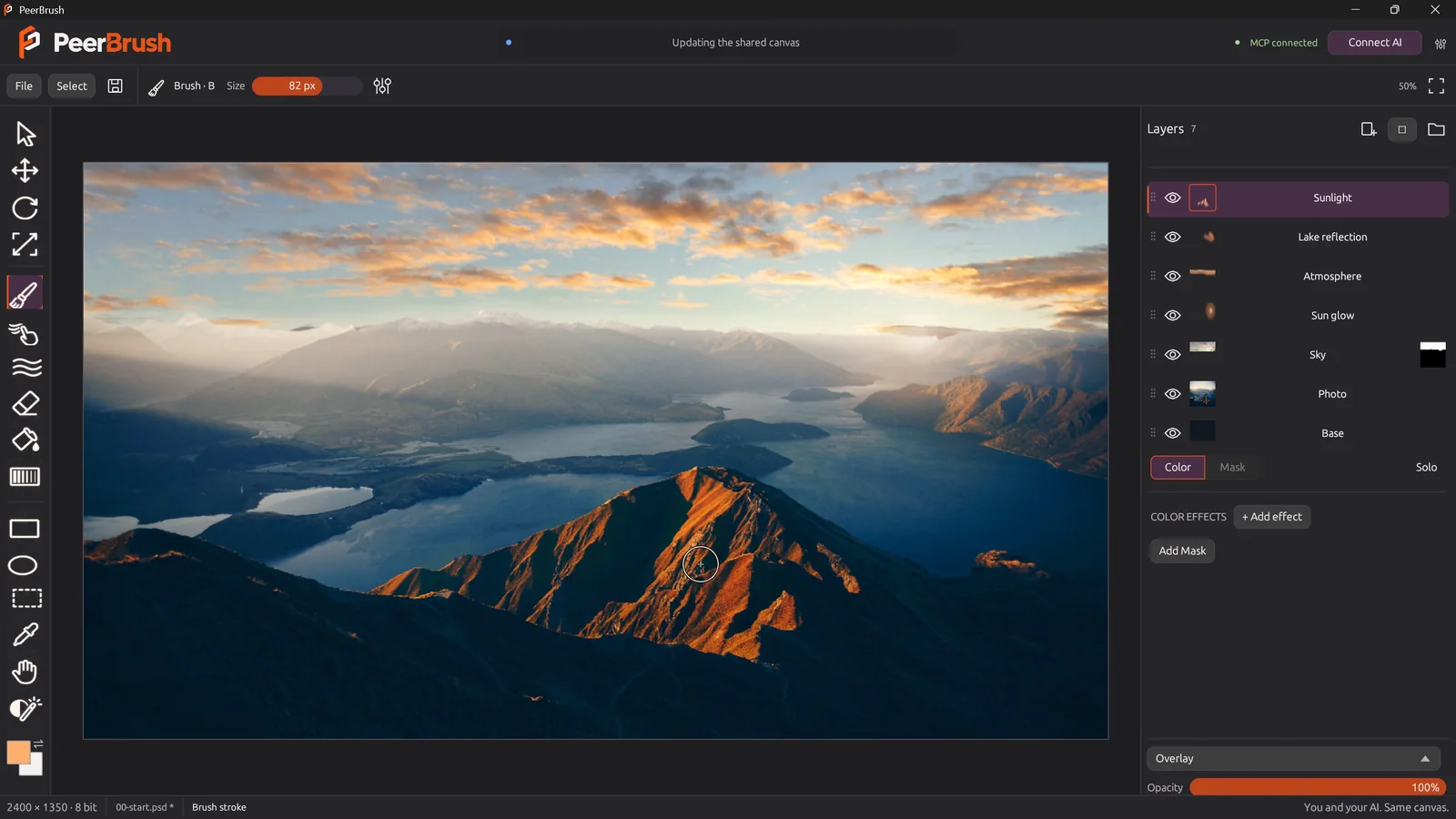
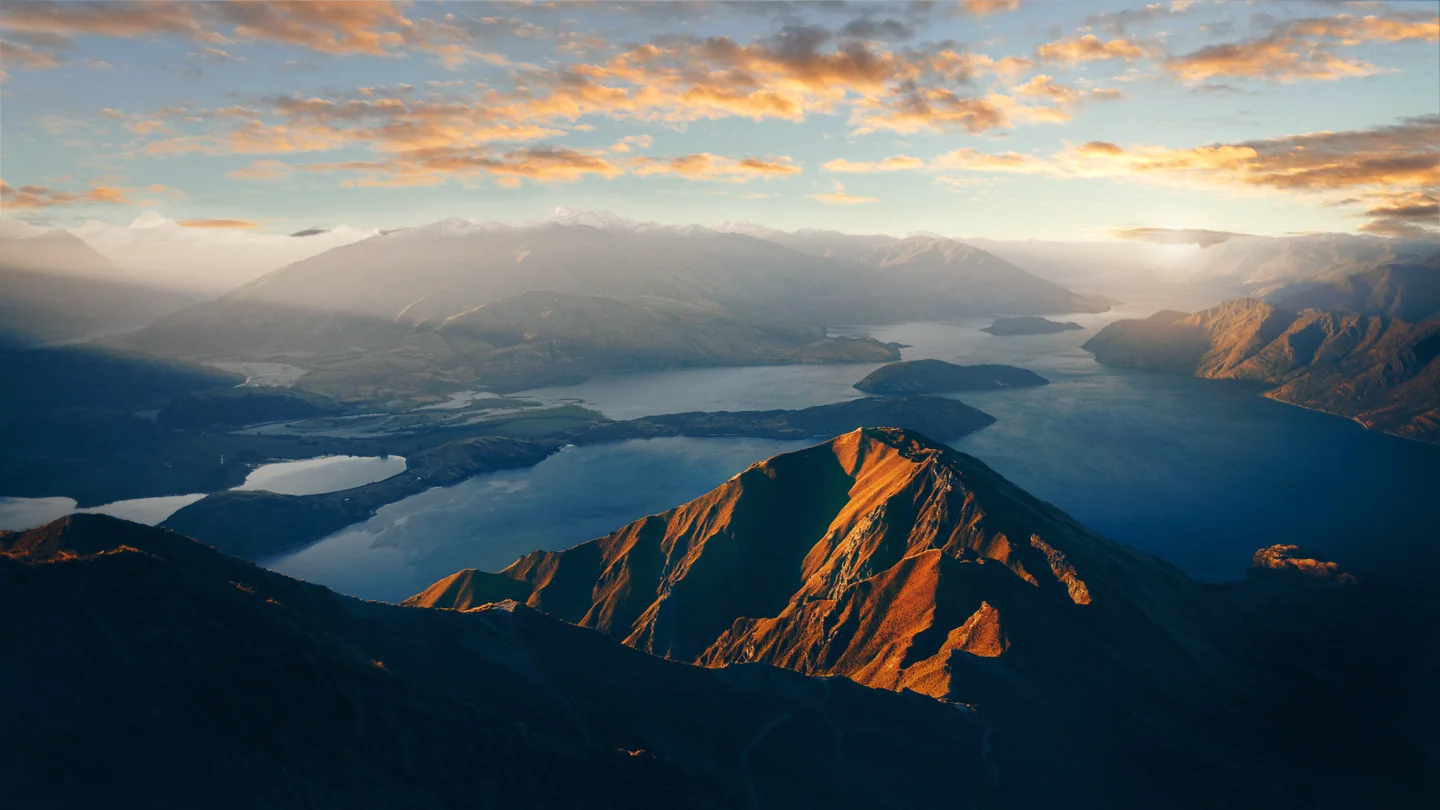
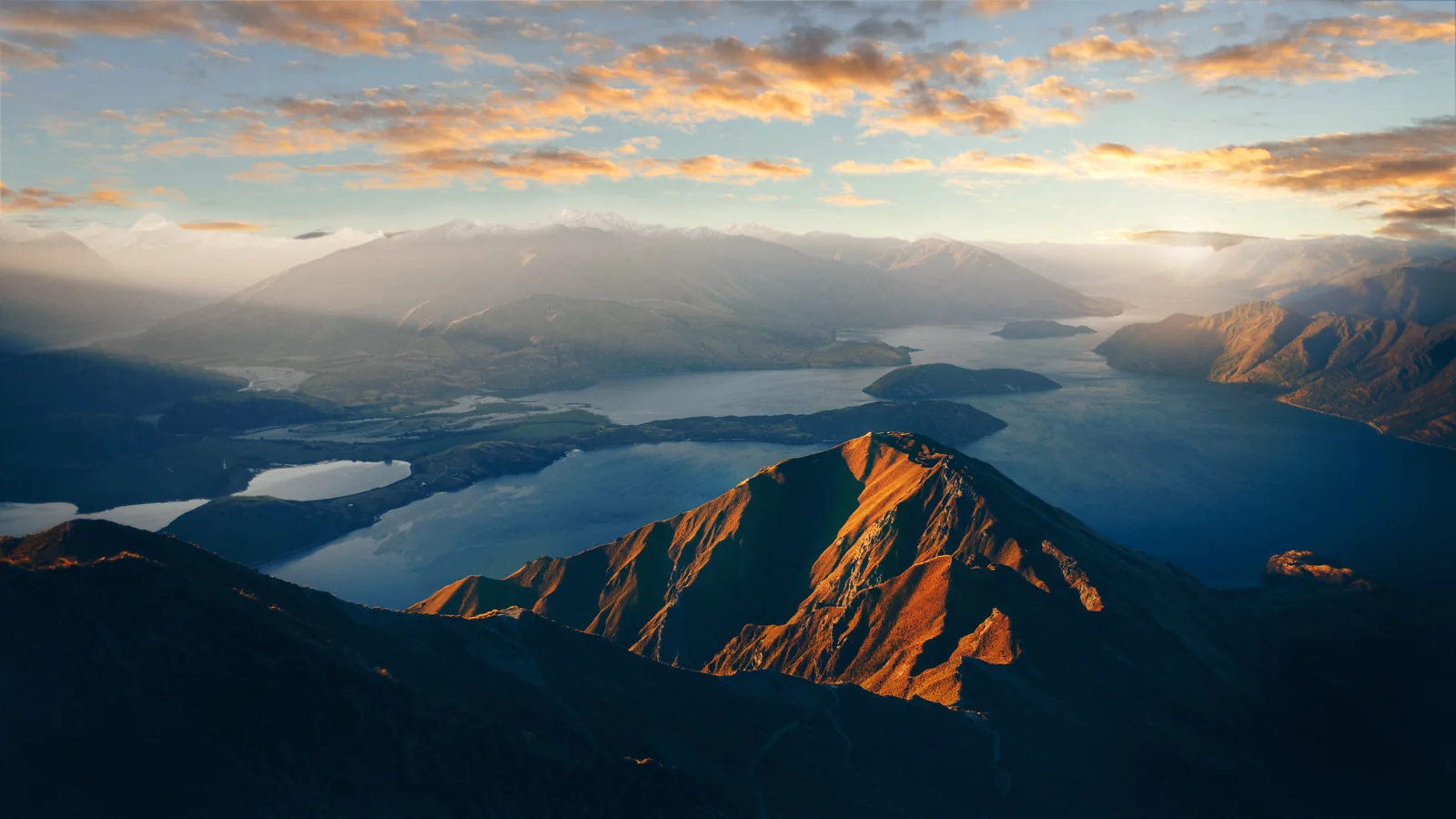
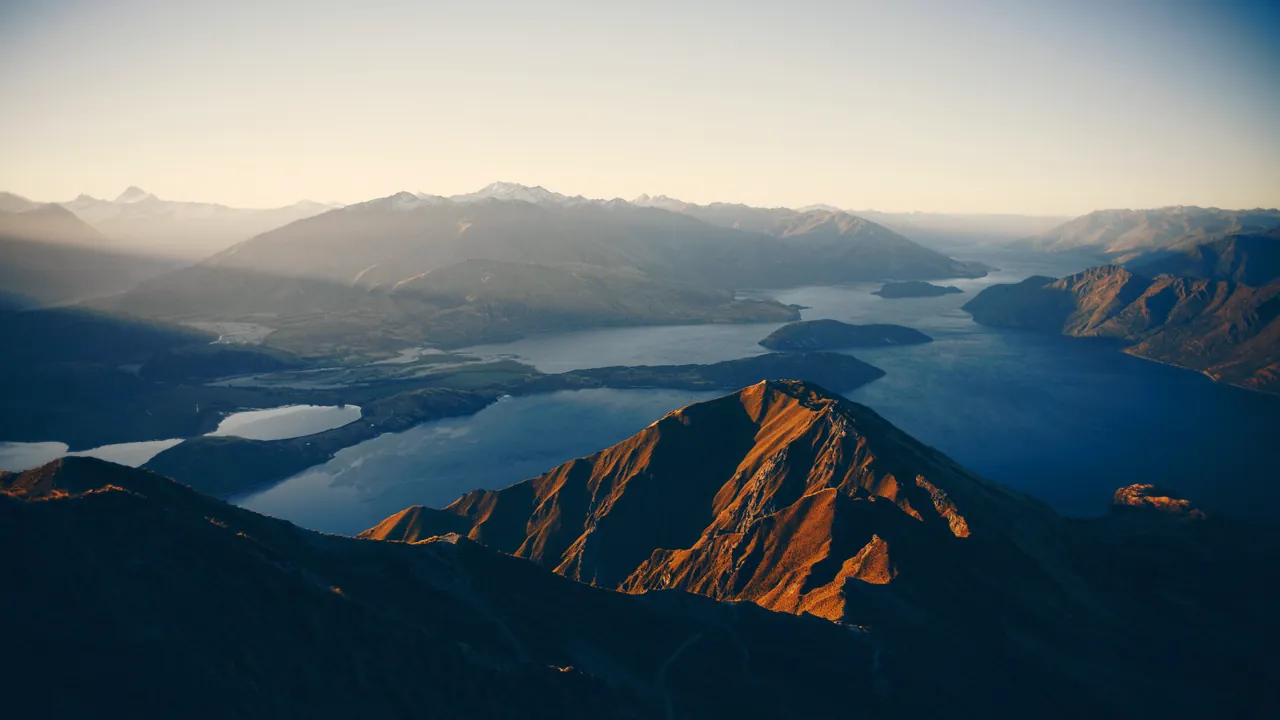
One minute: a sky replacement and golden-hour edit, with an AI agent and a manual operator working in the same document.
A 63-second editing demo with narration. Manual input is scripted, as disclosed in the video.
Download the trailerWhile you paint, a connected agent edits the same document. Both changes land in one shared history, marked by who made them.
An agent can reserve a whole layer or only a region of one, so you can keep working everywhere else, even on the same layer. Its work area is outlined in blue.
In the trailer edit, the agent built the sky, grade, glow, atmosphere and lake light on its own layers while the sunlight and dodge & burn were painted on separate manual layers.
Nothing is merged. Turn any layer off and on; masks, effects and blend modes survive the saved PSD.
Pressure, texture, taper and flow. Brush, erase, clone and heal.
Folders, blend modes, selections and separate color and mask editing.
Curves, levels, color balance, bloom and liquify with live previews.
Native channel precision through editing, transforms and PSD / PNG saves.
Captured from the application. Select a view, or enlarge it.
Free native builds from the same tested source. Includes GPL v3 source and third-party notices.
Experimental development builds. macOS and Linux desktop workflow verification is pending. macOS builds are unsigned and require Apple silicon.
Download a native build for your platform. Rust is only required to develop from source.
Full getting-started guideWindows: run peerbrush.exe. Linux and macOS: run the extracted peerbrush executable. Linux may need chmod +x peerbrush.
Use File → Open, or drop an image into the workspace. New and opened documents have separate project tabs.
Save as PSD to keep layers and masks. Export PNG for a merged image at the document’s channel depth.
Agents inspect the actual canvas and edit through the same document engine. AI changes appear in blue.
Codex · Claude Desktop · Cursor · Gemini CLI
MCP setup and tool reference
The app registers with detected clients and preserves their existing settings.
Approve the connection if prompted. A green MCP indicator in PeerBrush confirms a connected client.
{"commands":[{"op":"paint","layer":"LAYER_ID",
  "points":[[60,60],[180,120]],"radius":14,
  "color":[233,84,32,255]}],
 "expected_revision":0,"actor":"my-agent",
 "label":"Paint orange accent"}
Choose your model in the AI client. PeerBrush is free; separate AI providers may charge for their services.
| Format | Current support | Behavior |
|---|---|---|
| PSD v1 · RGB · 8 / 16 bit | Editable, supported structures | Raster layers, groups, supported blends and raster masks. Saves include a current merged composite. |
| PNG 8 / 16 bit | Import & export | Export retains the document’s native channel depth. |
| JPEG / BMP | Image import | Open or import as raster content. |
| Unsupported PSD structures | Protected preview | Read-only merged preview. An explicit flattened copy retains the original precision. |
| PSB / other color modes | Not supported | Full Photoshop compatibility and full color management are pending. |
Rust, egui and wgpu. Licensed under GPL v3.
git clone https://github.com/Deftr0y/PeerBrush.git
cd PeerBrush
cargo run --lockedNative build and automated tests pass on Windows, Linux and macOS. Desktop workflow verification on Linux and macOS is pending.
Development guideTry a workflow, share what needs improving, or contribute a focused change. The application and its source are free under GPL v3.
Test painting, masks or layer editing. Share artwork, awkward steps and the tools your workflow is missing.
Join the conversationContribute Rust, egui, wgpu, codecs, tests or native platform fixes. Start with the development guide and a small, reviewable change.
Development guide